





Observe, touch, discover
First matches and simple gestures, with an adult.
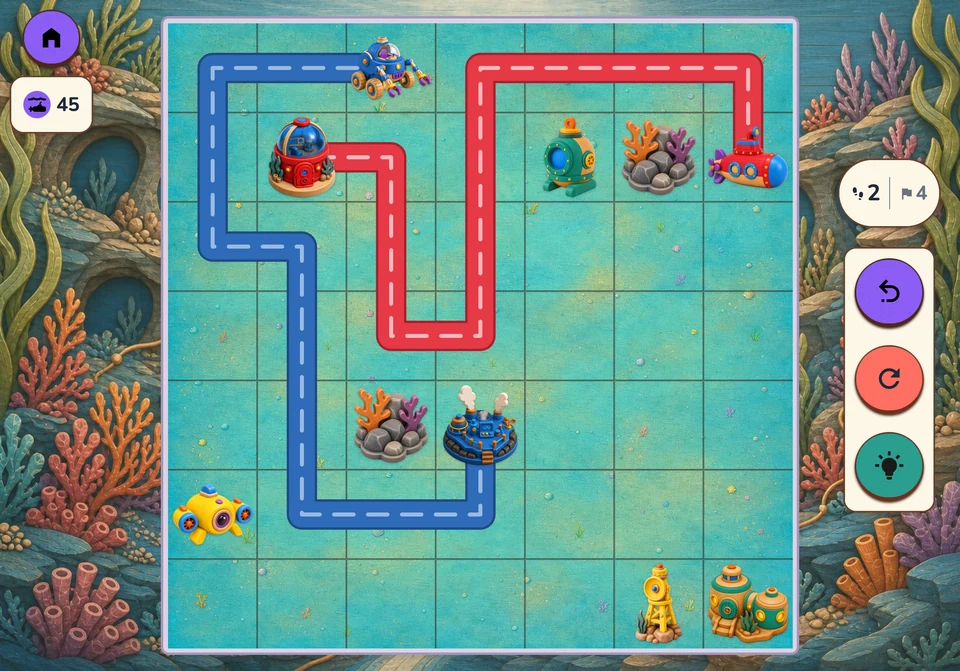
Choose a game to see how it works.
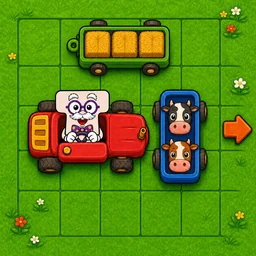
A way out, and more than one idea to try.
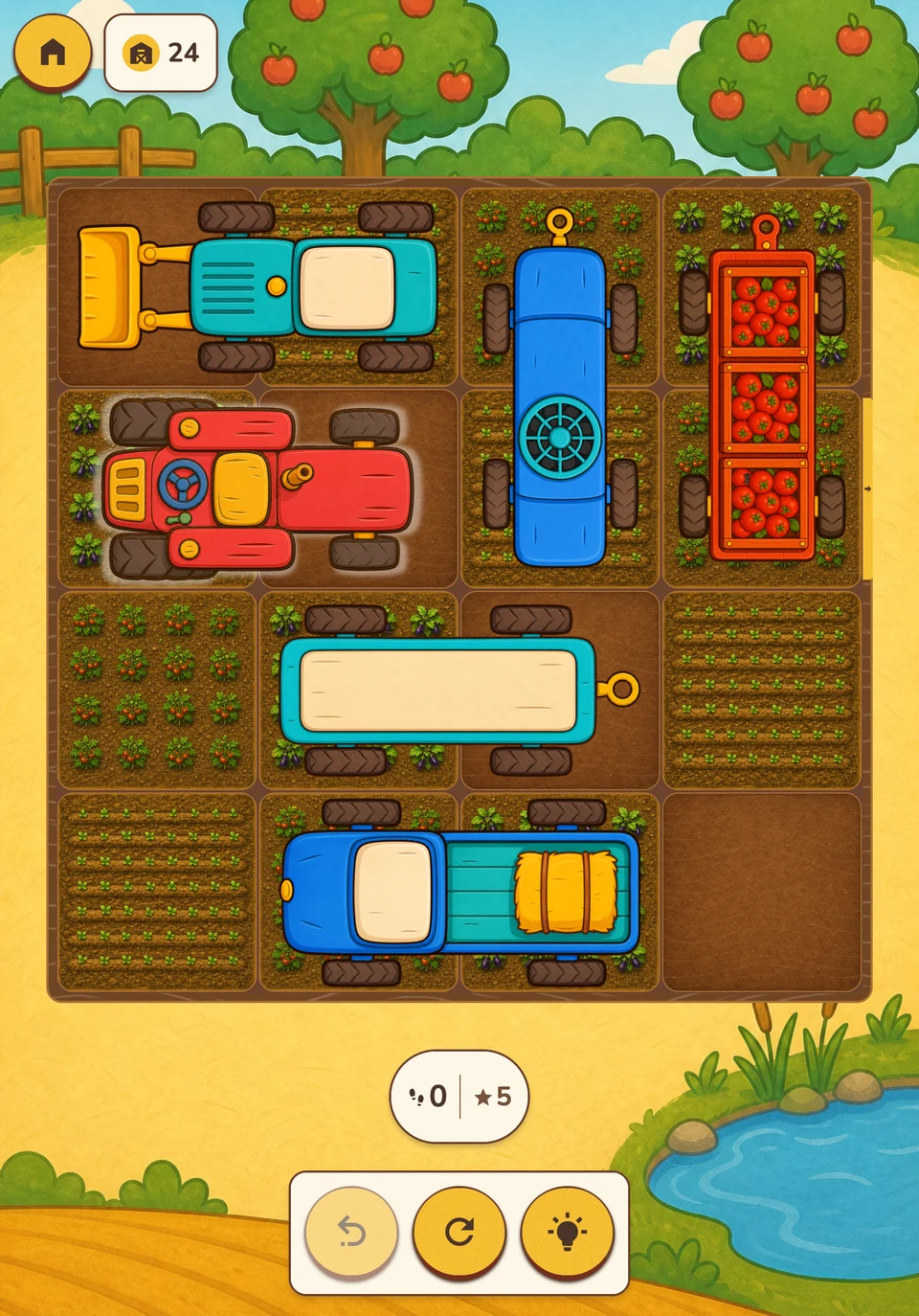
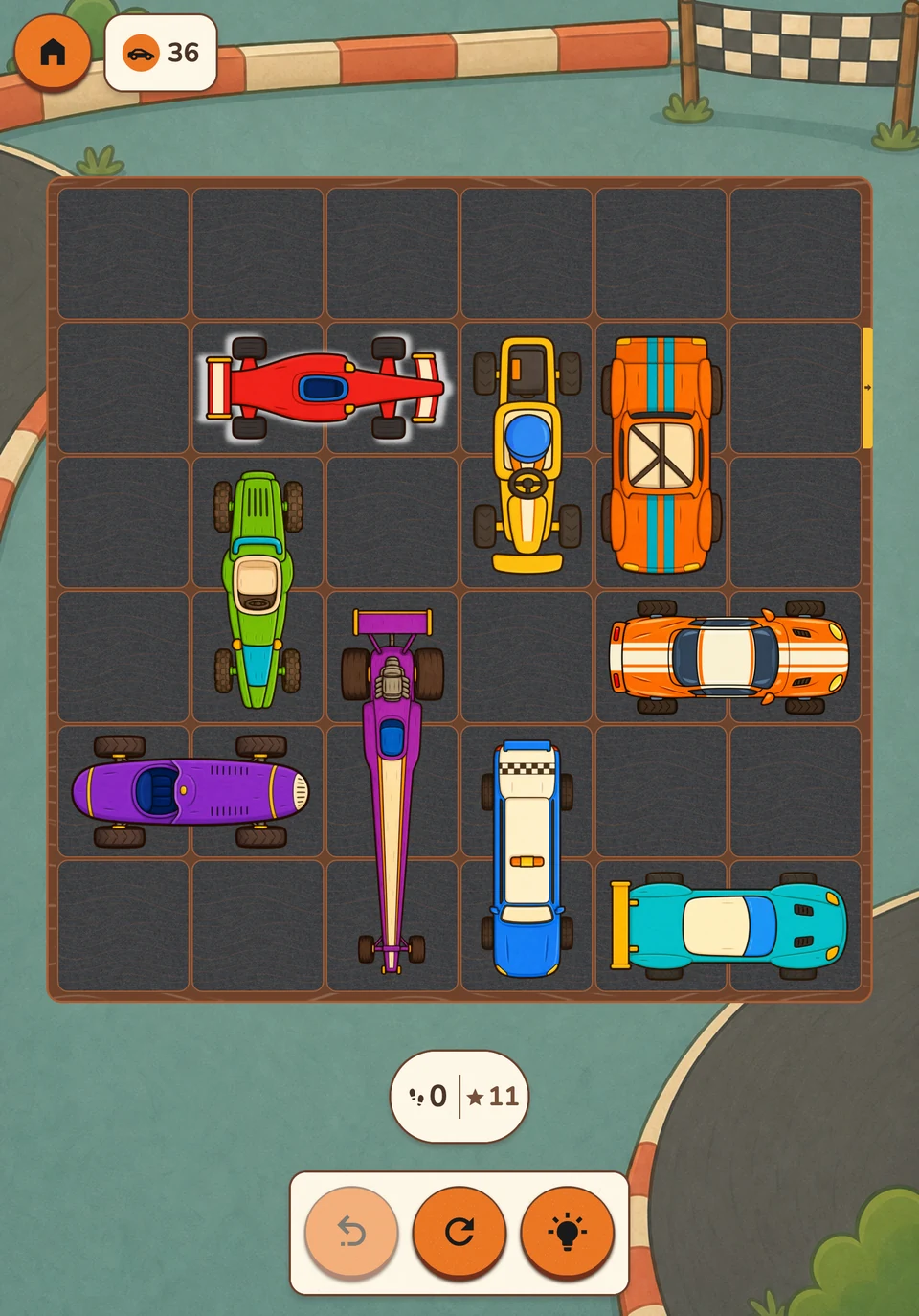
Slide the vehicles
Draw a path for everyone.
Draw the paths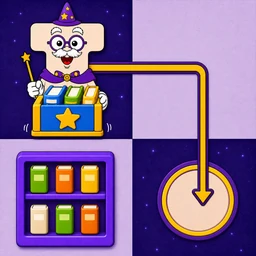
Push into place. Think one step ahead.
Push the crates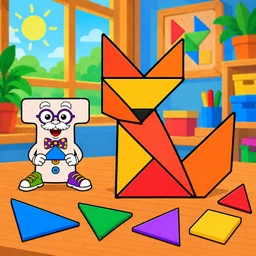
A silhouette waiting to take shape.
Assemble the shapes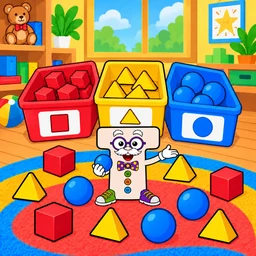
A home for each toy.
Sort the toys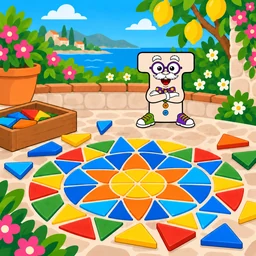
Colours and shapes make a pattern.
Build the pattern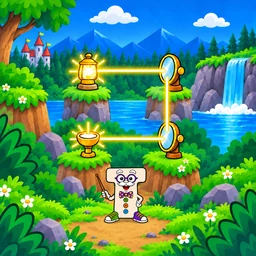
Guide a ray to the fireflies.
Turn the mirrors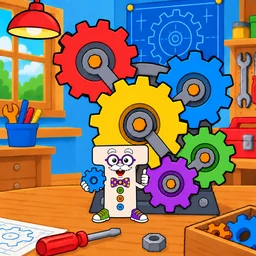
The right wheels set things moving.
Connect the gears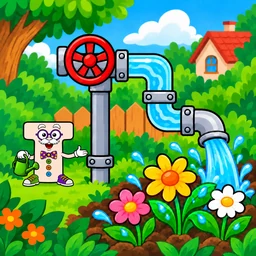
Connect the pipes. Wake the garden.
Join the pipes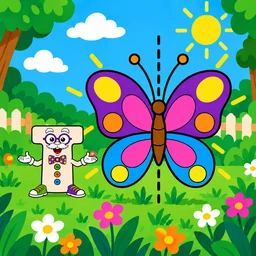
Complete the other half.
Complete the reflection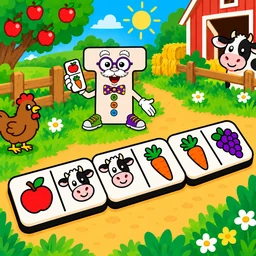
Find the next piece in the chain.
Match the pictures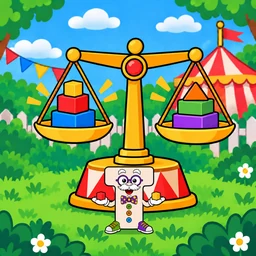
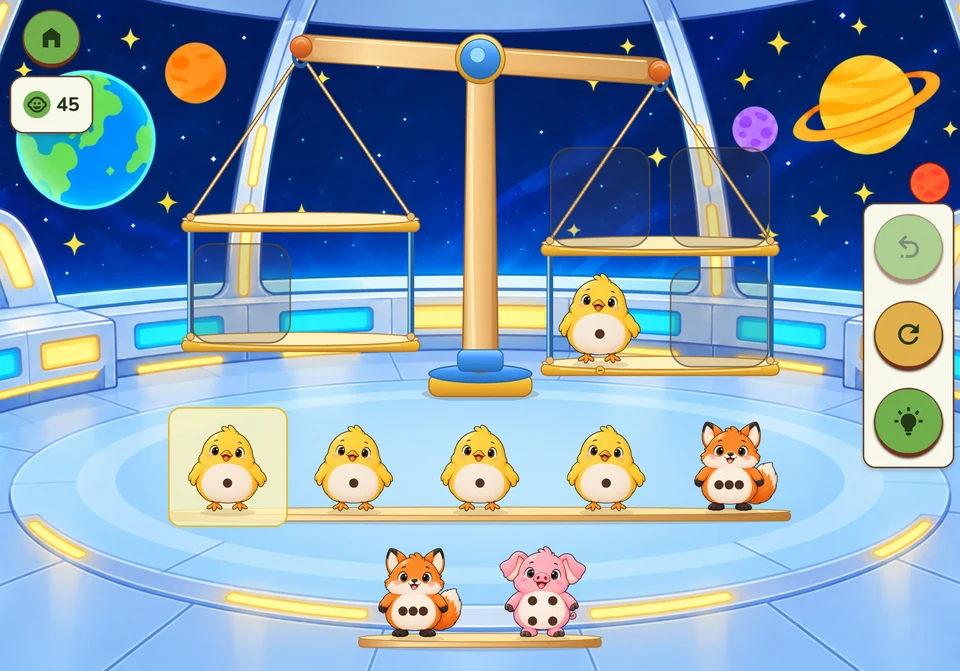
One choice can change the balance.
Distribute the weights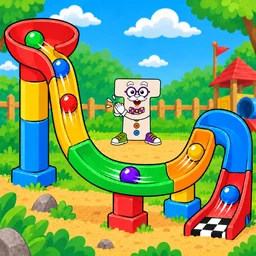
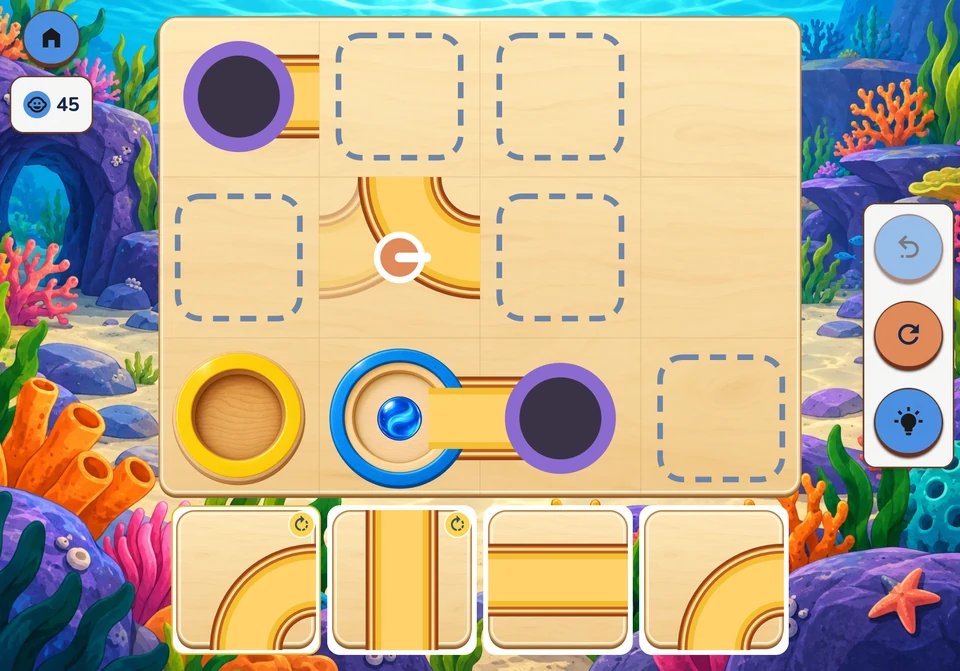
Build a route, then follow the marble.
Build the tracks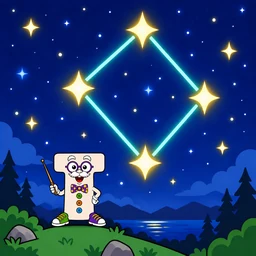
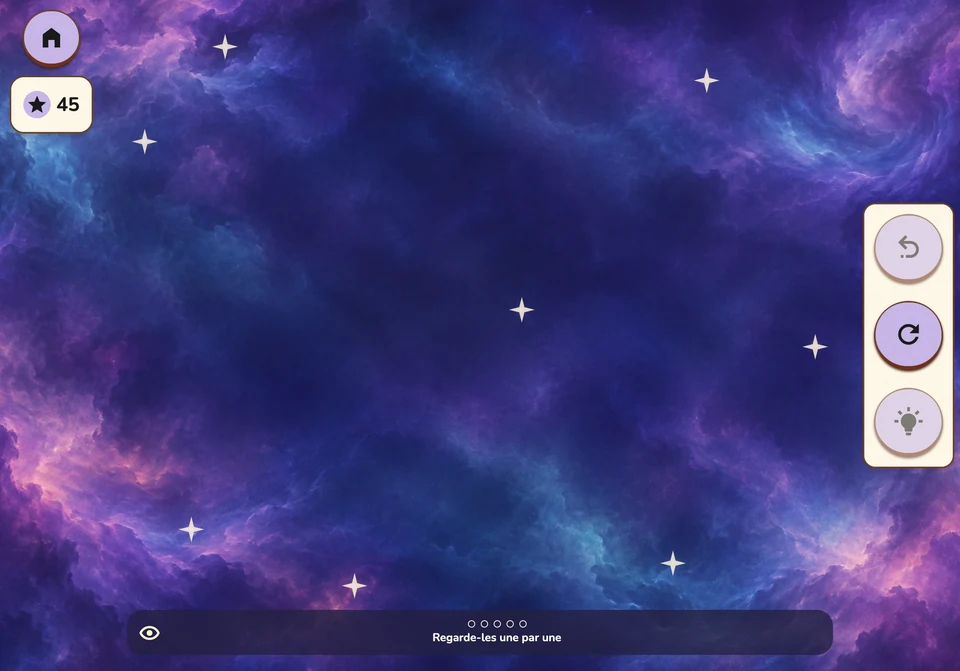
Watch the stars, then recall their pattern.
Find the starsFirst matches and simple gestures, with an adult.
Combine shapes, adjust paths, try another order.
Plan a detour, keep a passage open, build a mechanism.
Ages are guides: choose a suitable path, with adult help for younger children.
A gesture, an idea, another try.
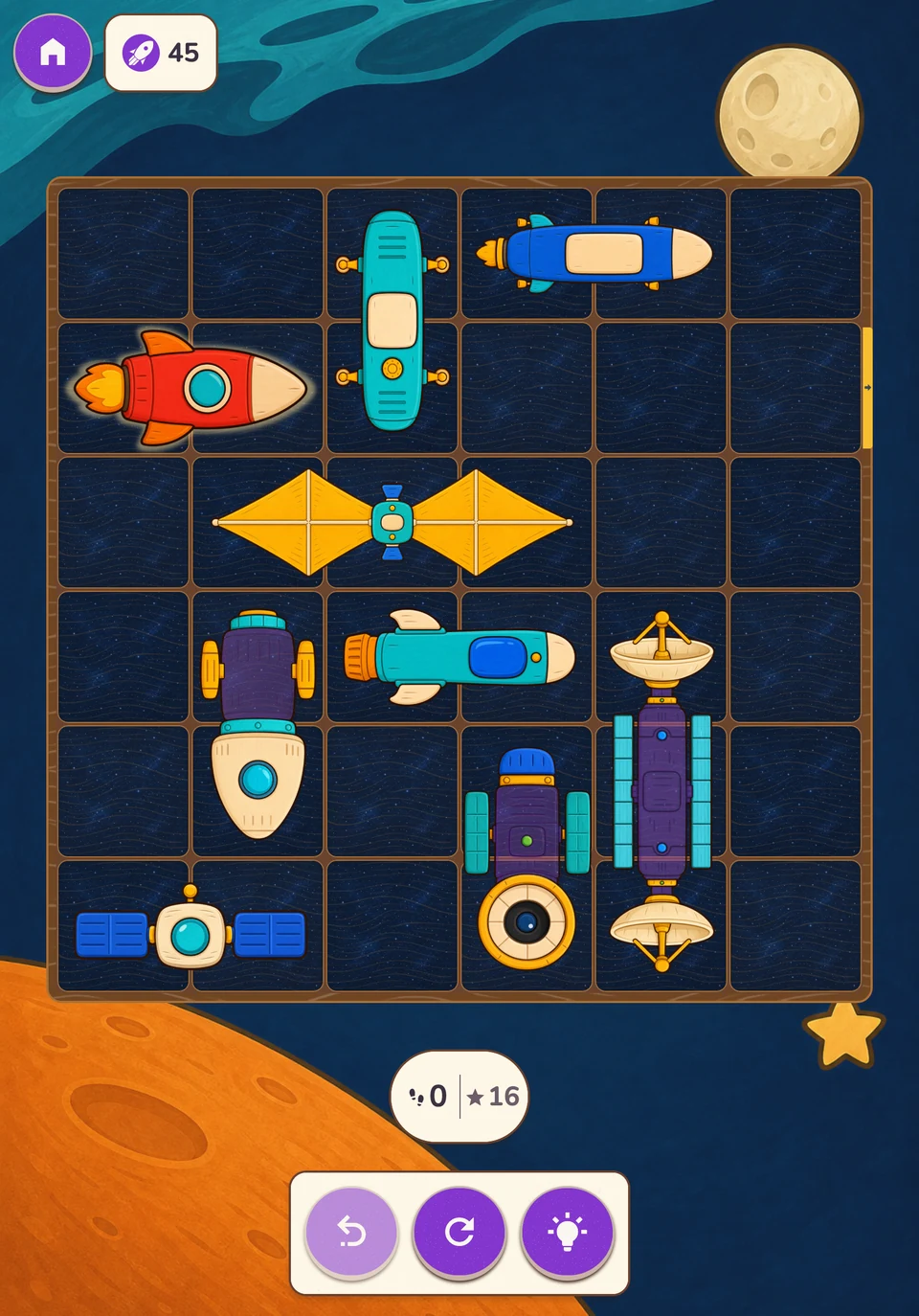
Slide vehicles along their direction of travel to clear the main vehicle’s exit.
We explore · anticipation, order of actions, spatial awareness
Draw directly on the board to connect each pair of matching coloured endpoints.
We explore · continuity, routes, organising space
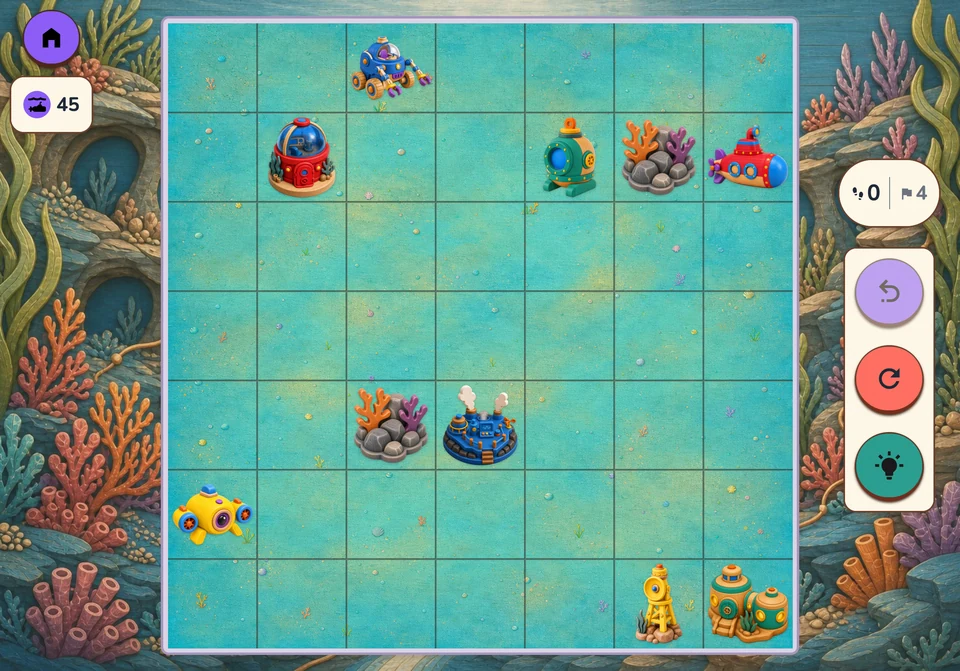
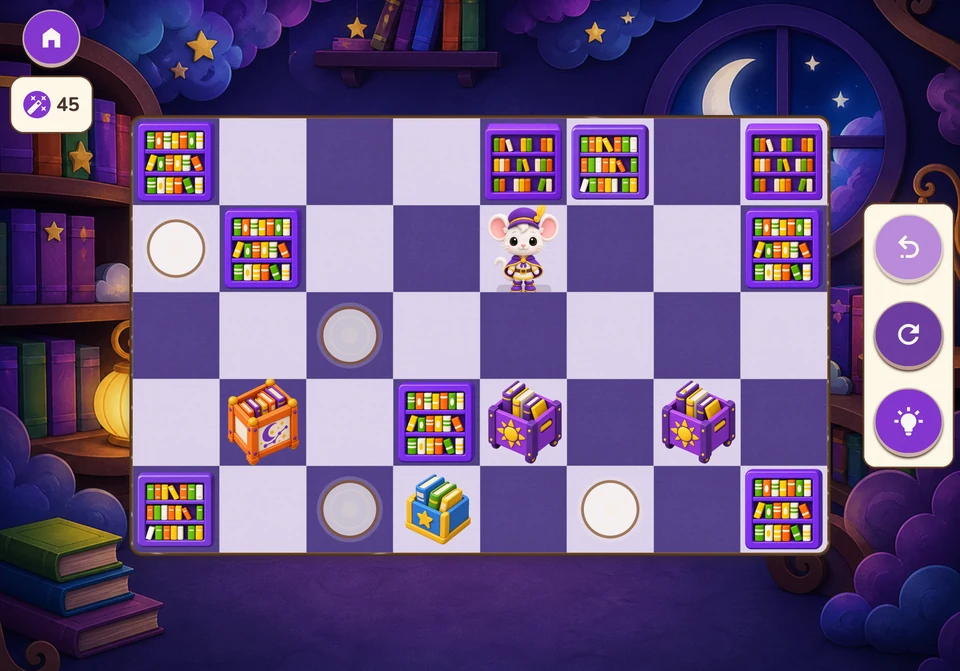
Guide the character to push objects onto their targets.
We explore · planning, consequences of a move, solving blockages
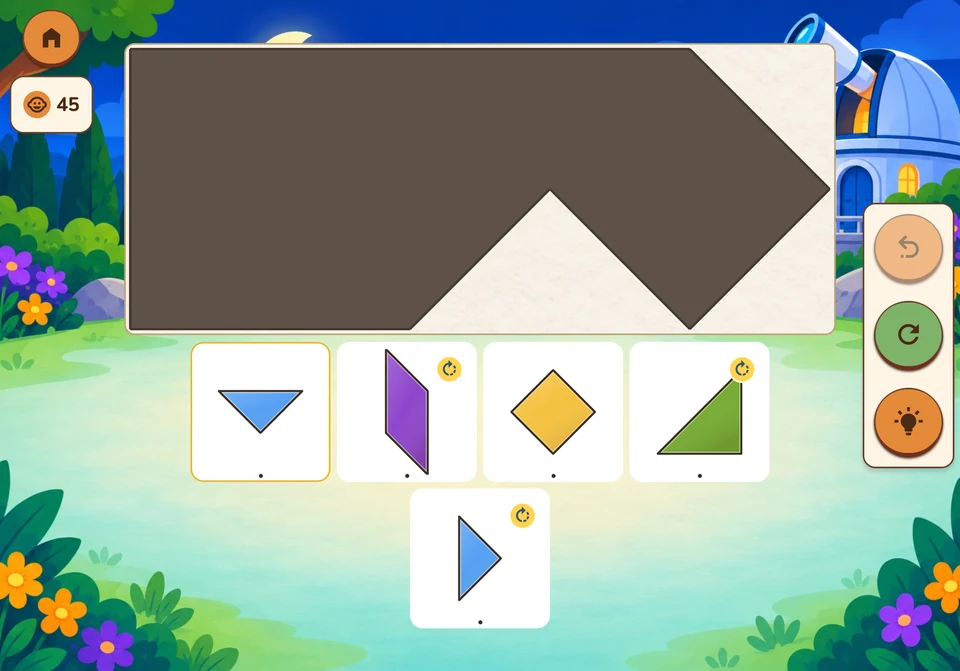
Fill a silhouette with triangles, a square and a parallelogram.
We explore · shapes, orientation, composition
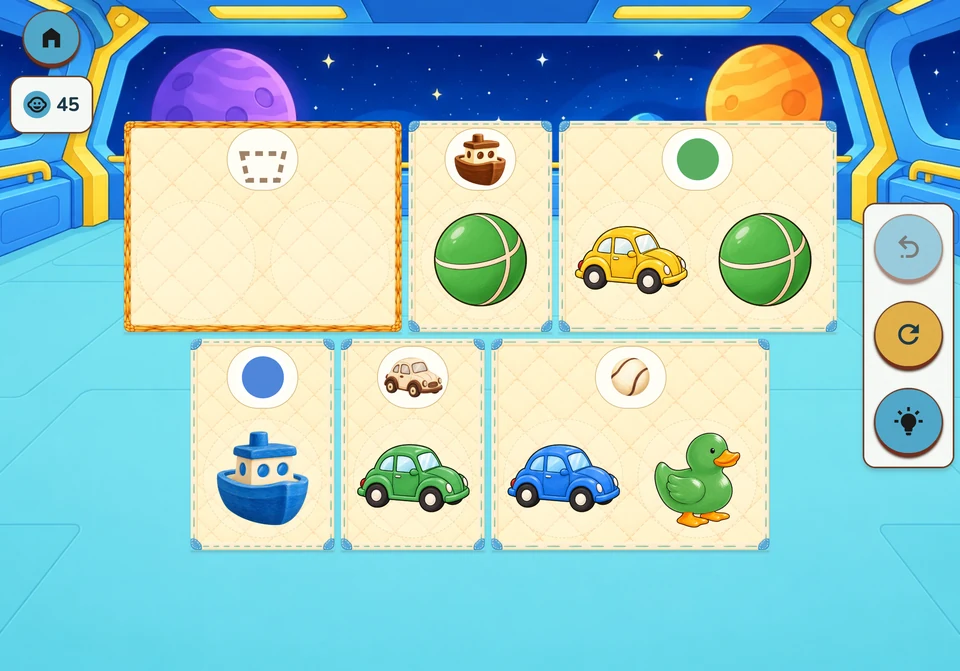
Sort toys into illustrated houses by shape, colour or both.
We explore · sorting, rules, organisation
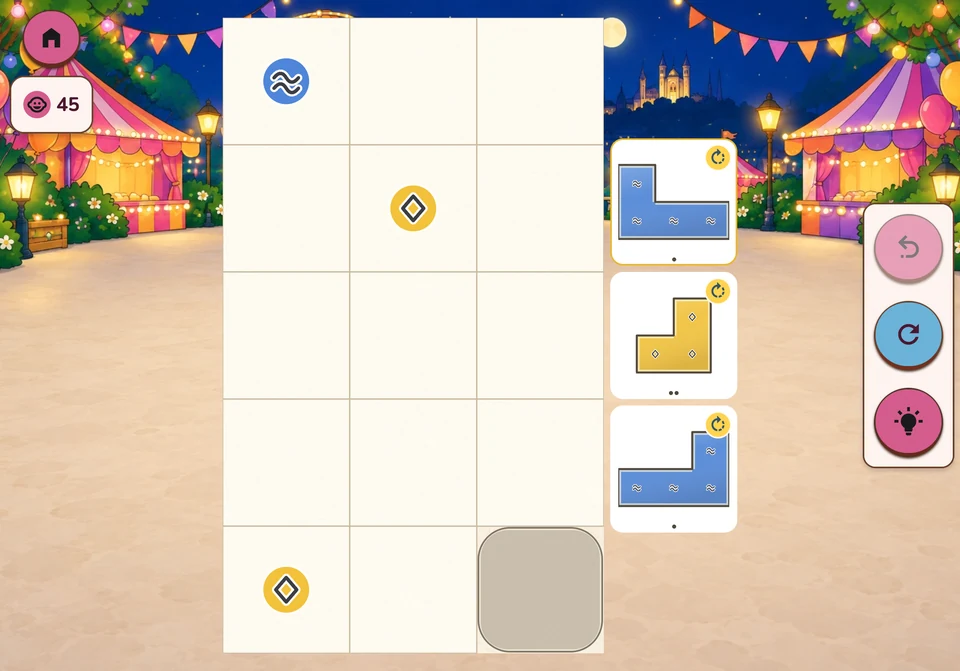
Copy a model, continue a colour sequence or fill a frame using coloured clues.
We explore · patterns, colours, spatial assembly
A lantern sends light through the garden.
We explore · directions, cause and effect, routes
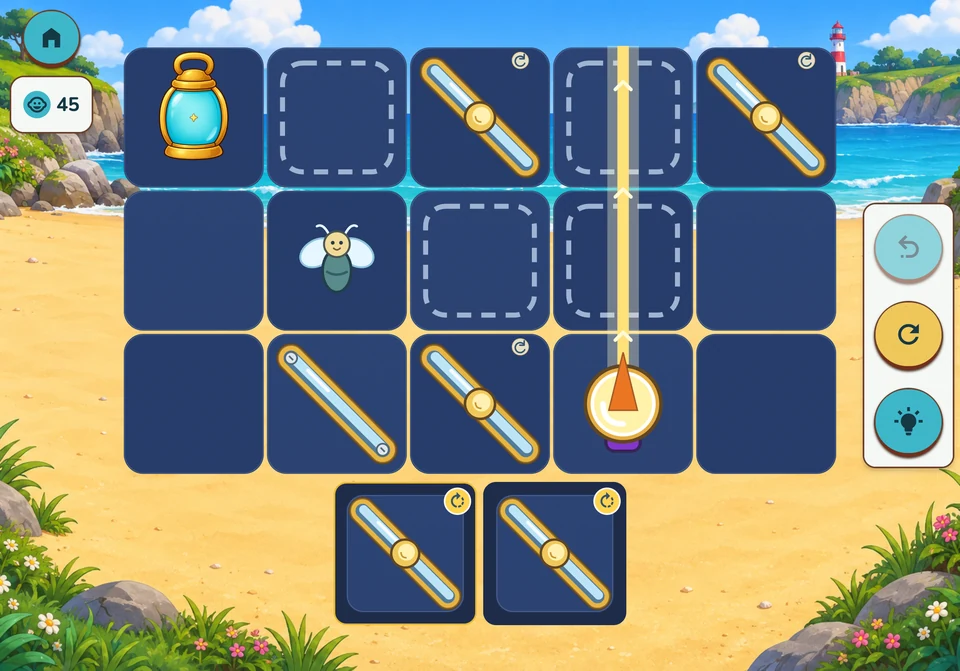
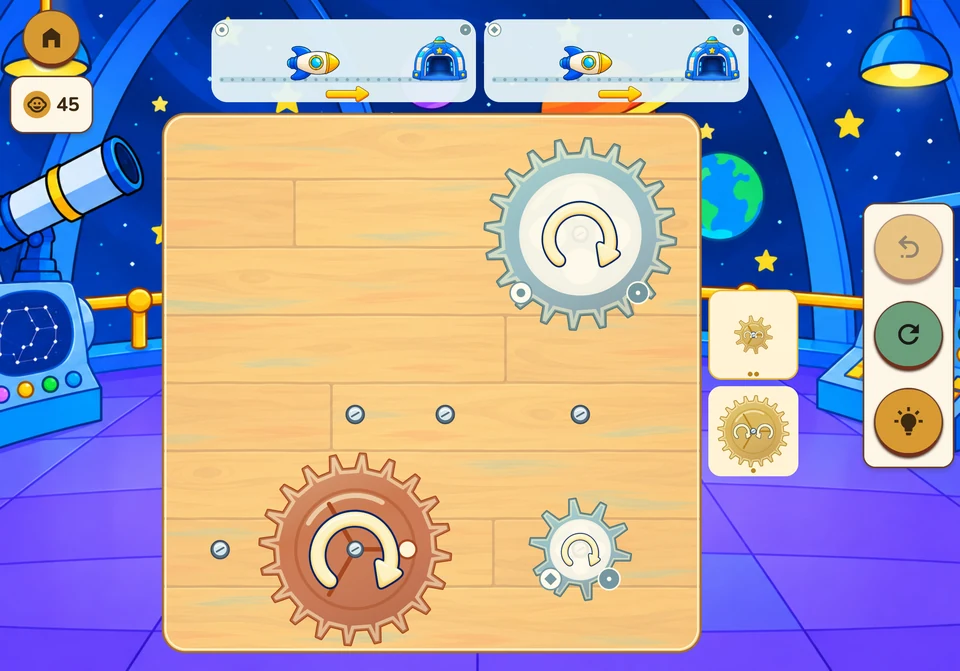
Place toothed wheels on available axles to carry motion from the driving wheel to the mechanisms.
We explore · transmission, size and connections, rotation direction
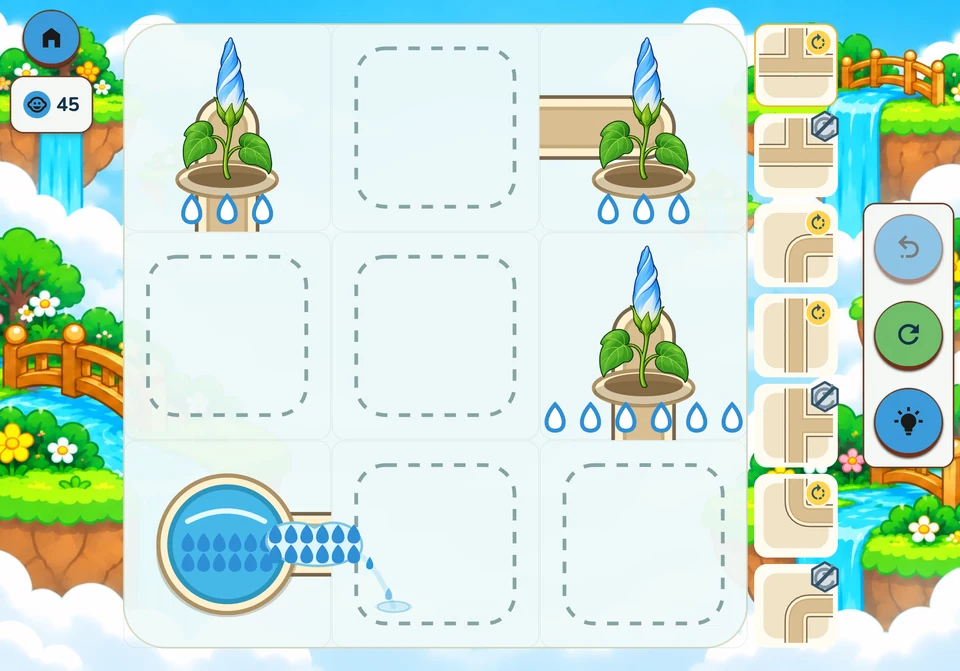
Connect and turn pipes, then set the taps to bring water to the plants.
We explore · networks, cause and effect, sharing
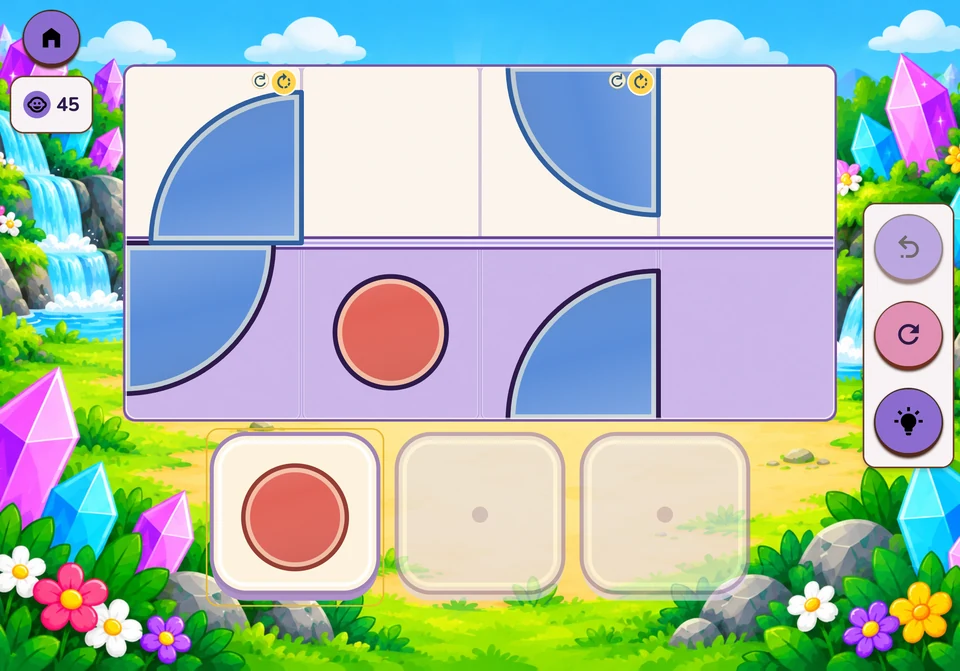
Rebuild the reflection of a drawing across a line.
We explore · reflections, distance from an axis, orientation
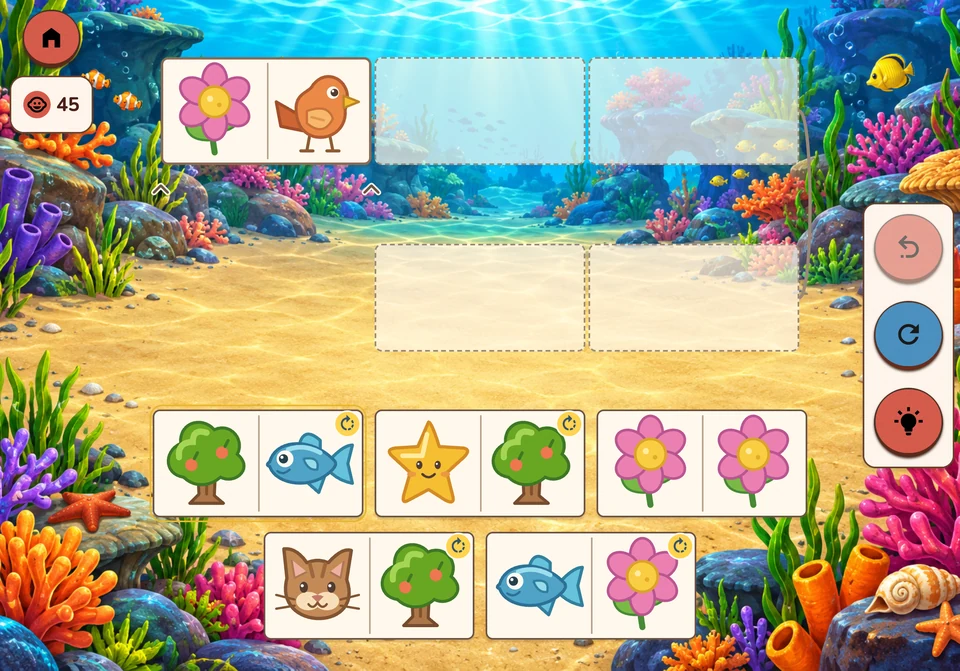
Join dominoes by matching their pictures.
We explore · matching, chains, order
Place, remove or move objects on the two pans and observe the change.
We explore · comparison, quantities, combinations
Complete rails, turn bends and set junctions to guide the marble to its nest.
We explore · routes, trial and correction, anticipation
Stars light up in an illustrated sky.
We explore · observation, visual memory, sequences
Choose the right path.
Each completed level opens the next.
Pick up where you left off.
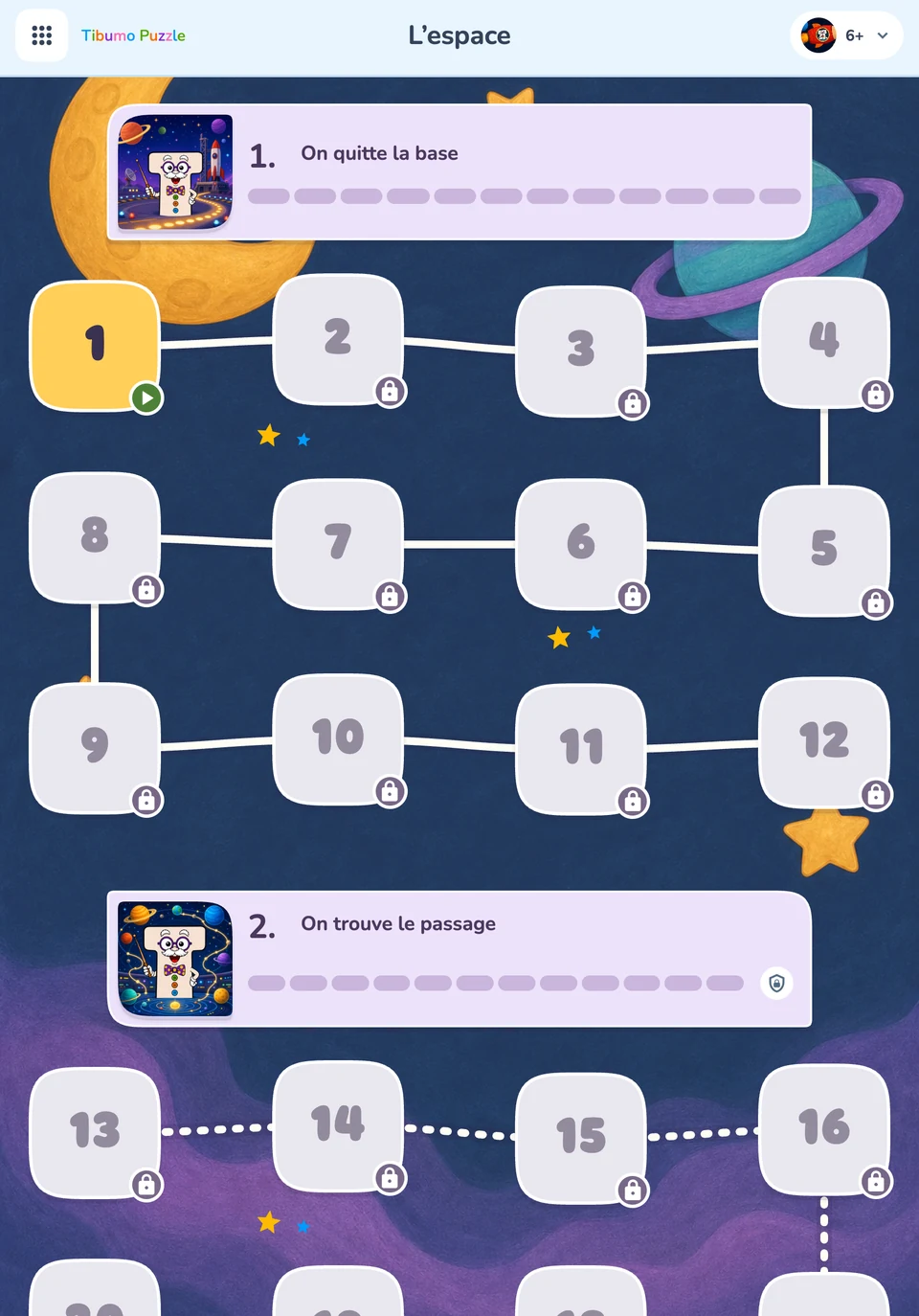
12 free levels per game and age path. One purchase unlocks 3,024 additional levels across all 14 games, with no subscription.
The full unlock price is shown in the app before purchase.
Paths begin at age 2: ages 2–3, 4–5 and 6+. These are difficulty guides. An adult can support younger children and choose the suitable path.
Traffic, Routes, Sokoban, Tangram, Tidying, Mosaics, Mirrors, Gears, Water gardens, Symmetry, Dominoes, Balance, Marbles and Constellation.
Yes. All 14 games share the Tibumo Puzzle home screen. Choose another game to explore a new action or idea.
The iOS offer provides free installation and 504 free levels: 12 levels in each of the three paths and each of the 14 games. Extra levels use one optional purchase. An Android version is planned; its purchase flow is not active yet.
No. On iOS, one unlock covers all 14 games and their three paths. There is no subscription. The applicable price is the one shown by the App Store before confirmation.
No Tibumo account is needed to play. On iOS, your Apple account is used to buy or restore access; it does not sync Puzzle progress.
Games and content are included in the app. Buying or restoring the unlock needs a Store connection. Games and progress are saved on the device.
Progress, games and settings are saved locally. When a game reopens, its menu returns to the remembered level. This is not cloud synchronisation: deleting the app or its data can remove the save.
Games offer undo, restart and hints where available. Useful rotation and flip controls are close to the relevant pieces.
Home, menus and settings change appearance. Game boards keep their original illustrations and colours: dark mode does not filter the games.
Tibumo Puzzle has no ads. The offer consists of free levels and an optional full unlock.
Settings are grouped in the parent area, protected by a calculation or a four-digit code, depending on the selected configuration.